
Your team's workday, finally visible.
Attendance, activity, screen time, leave and team chat, in one dashboard your HR team will actually enjoy opening every morning.
Trusted by 240+ growing teams across India
Trusted by Businesses Using TsmWorkHub
















Everything HR needs, none of the guesswork
Built feature by feature for how teams actually work — in the office, from home, or both.
See exactly what's happening, right now
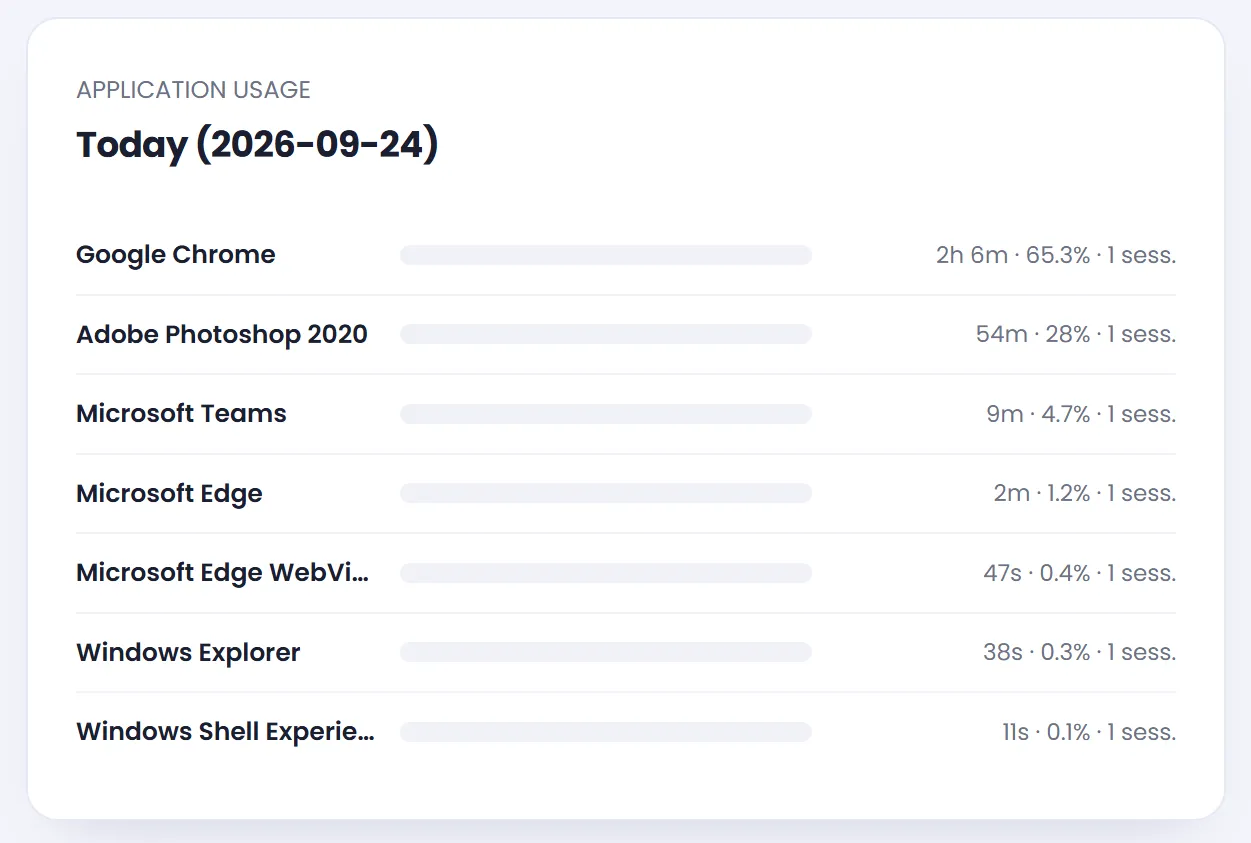
Track active apps, idle time and website usage across every device. Screenshots capture context automatically, and one toggle mid-shift pauses monitoring on a personal laptop without ever losing the pairing.
- App & website activity, tracked per session
- Automatic idle detection — no manual clock-outs
- Productivity scoring you define, not a black box
Check-ins your team can't fudge
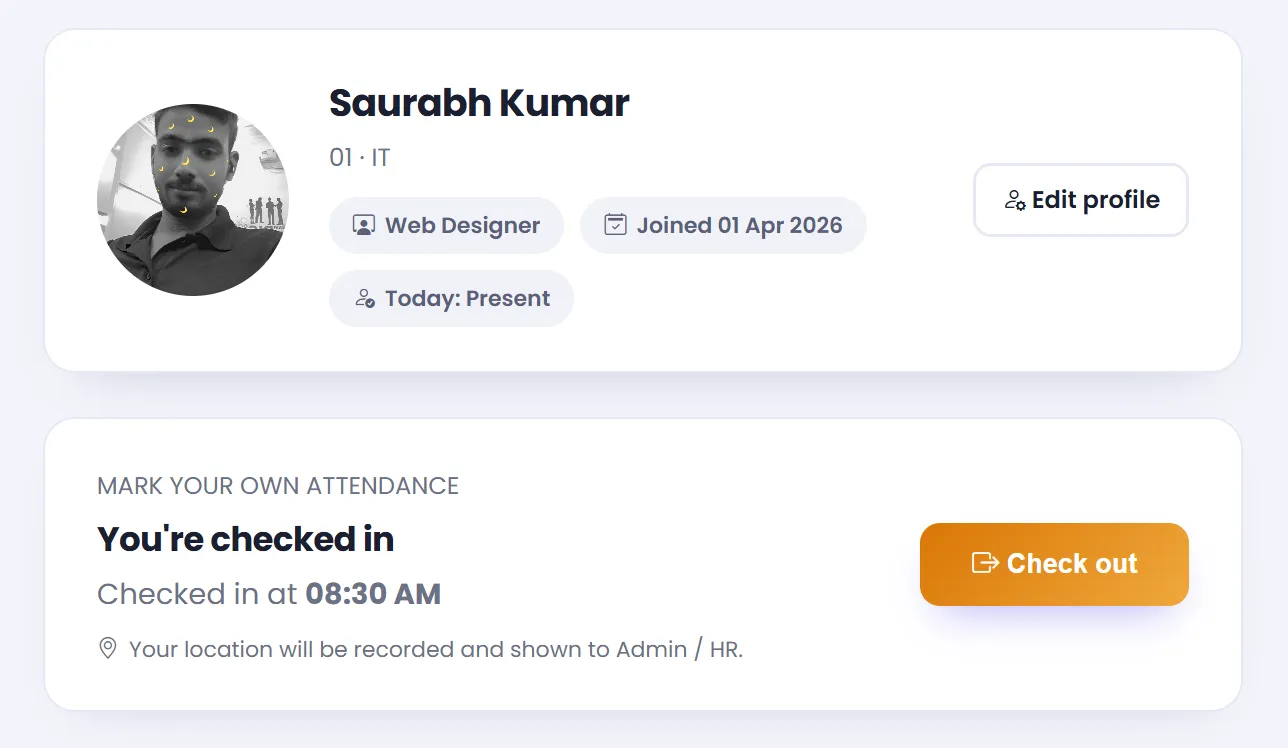
Selfie check-in, geo-tagged punches and auto-calculated worked hours replace the register — and every late arrival or half day rolls straight into payroll-ready reports.
- Selfie + location captured at check-in
- Short leave, WFH and half-day handled natively
- Monthly view exports in one click
Conversations and answers, without leaving the dashboard
Built-in chat keeps HR, admins and employees on one thread with read receipts, while the AI HR assistant drafts policy answers and flags attendance patterns worth a second look.
- Delivered and read receipts, like the apps your team already uses
- AI HR assistant answers policy questions instantly
- Announcements reach everyone, automatically
Departments & roles
Structure your org with departments, designations and clear reporting lines.
Leave management
Employees apply, managers approve, balances update themselves.
Holiday calendar
Company-wide holidays reflected everywhere attendance is calculated.
Salary overview
Present days, absences and leave rolled into one payroll-ready view.
Productivity reports
Company, department and individual productivity — trended over time.
Multi-company ready
Run several companies from one Super Admin, each fully separated.
Pause anytime
Employees and admins can pause monitoring without losing device pairing.
Real-time alerts
Notifications the moment a check-in, leave request or message needs you.
Live in an afternoon, not a quarter
No IT project. No training week. Just three steps.
-
1
Add your team
Import employees, set departments and designations in minutes.
-
2
Pair the agent
Employees install the lightweight desktop agent with a one-time pairing code.
-
3
Watch the dashboard fill in
Attendance, activity and reports start populating from day one.
Teams that switched, and stayed
“We replaced three different tools with TsmWorkHub in one week. The live activity view alone paid for the subscription — we finally know where the day actually goes.”
“Selfie check-in ended every argument about who was late. Attendance now takes me ten minutes a month instead of a full day.”
“The pause toggle is what won our team over. People trust monitoring more when they can turn it off on their own time — and we still see everything we need to during work hours.”
“Set up on Monday, full team onboarded by Wednesday. Support answered every question inside minutes on chat.”
Questions, answered
Yes — the desktop agent works the same way whether an employee is in the office, at home, or moving between both. Admins can also pause monitoring on personal devices outside work hours.
If your admin turns it on, yes — employees get a personal view of their own activity and productivity. It's an org-wide switch your HR team controls.
You set the retention window in Settings — screenshots and activity logs are deleted automatically once they pass it, so nothing lingers longer than your policy allows.
Yes — the Super Admin panel lets you add multiple companies, each with its own admin login and fully separated data.
No lock-in contracts. Plans are billed monthly per employee and you can cancel whenever you like.
Give your HR team its afternoons back.
Set up TsmWorkHub today — your first 14 days are on us.
Start free trial